The five shots a wooden urn listing needs, how to light wood grain honestly, and how to write alt text and titles for search.
An online listing for a wooden urn is judged in a few seconds, and the photograph carries almost all of that judgement. Buyers are trying to answer three questions at once: how big is it, what does the wood actually look like, and does the finish look like the price. A supplier's stock images rarely answer all three for a reseller's own listing. This guide covers the shot set, the lighting, and the listing text that makes a wooden urn findable.
Why Product Photos Decide Conversion
Memorial products are bought with limited visual information in a category where the buyer cannot handle the piece. Grain variation is the single most common reason for a return or a complaint, because a photograph lit to flatter can read as a different wood tone from the piece that arrives. Photographing the product you will actually ship, in consistent light, protects the listing more than styling it.
The Five Shots Every Listing Needs
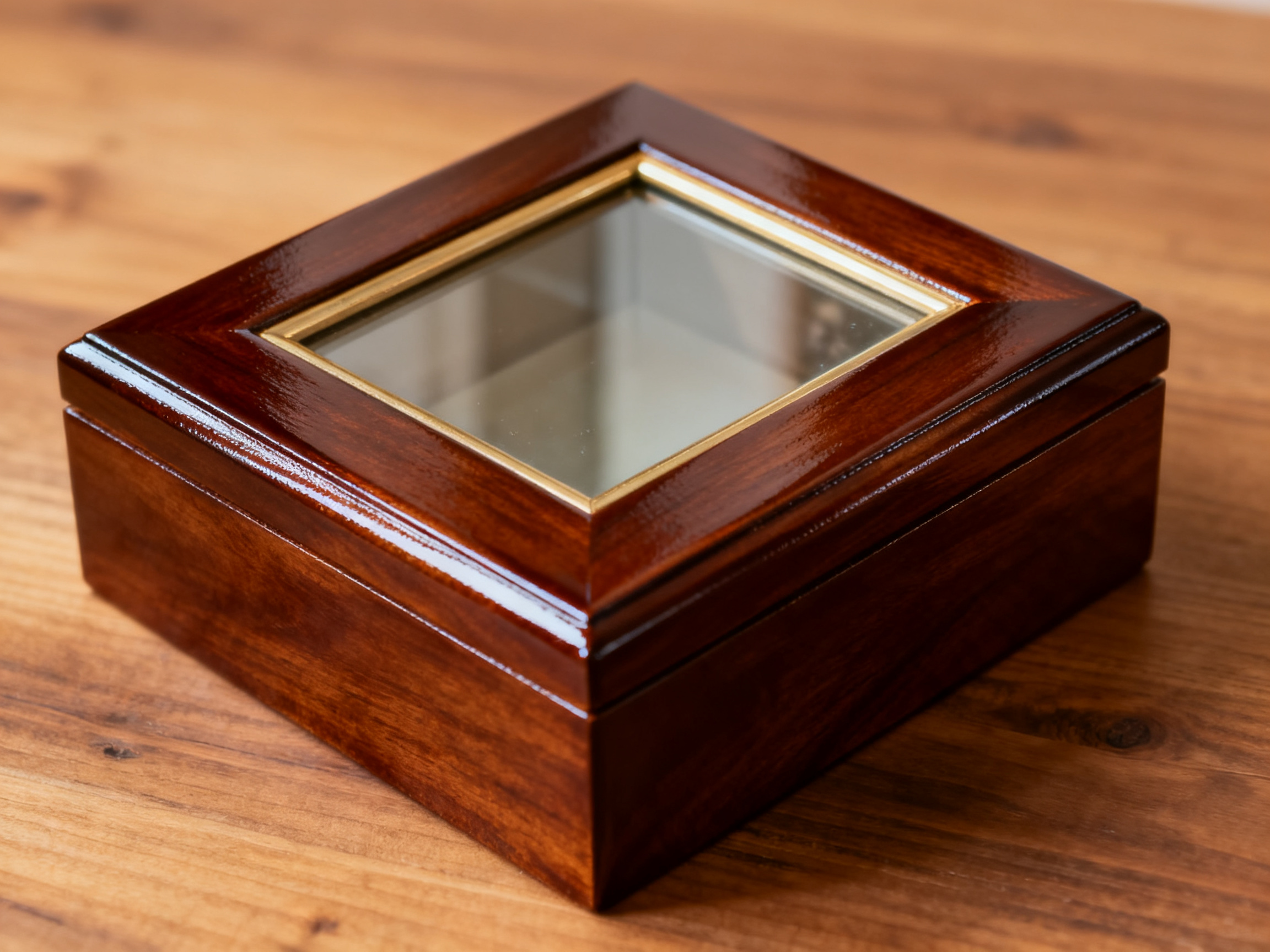
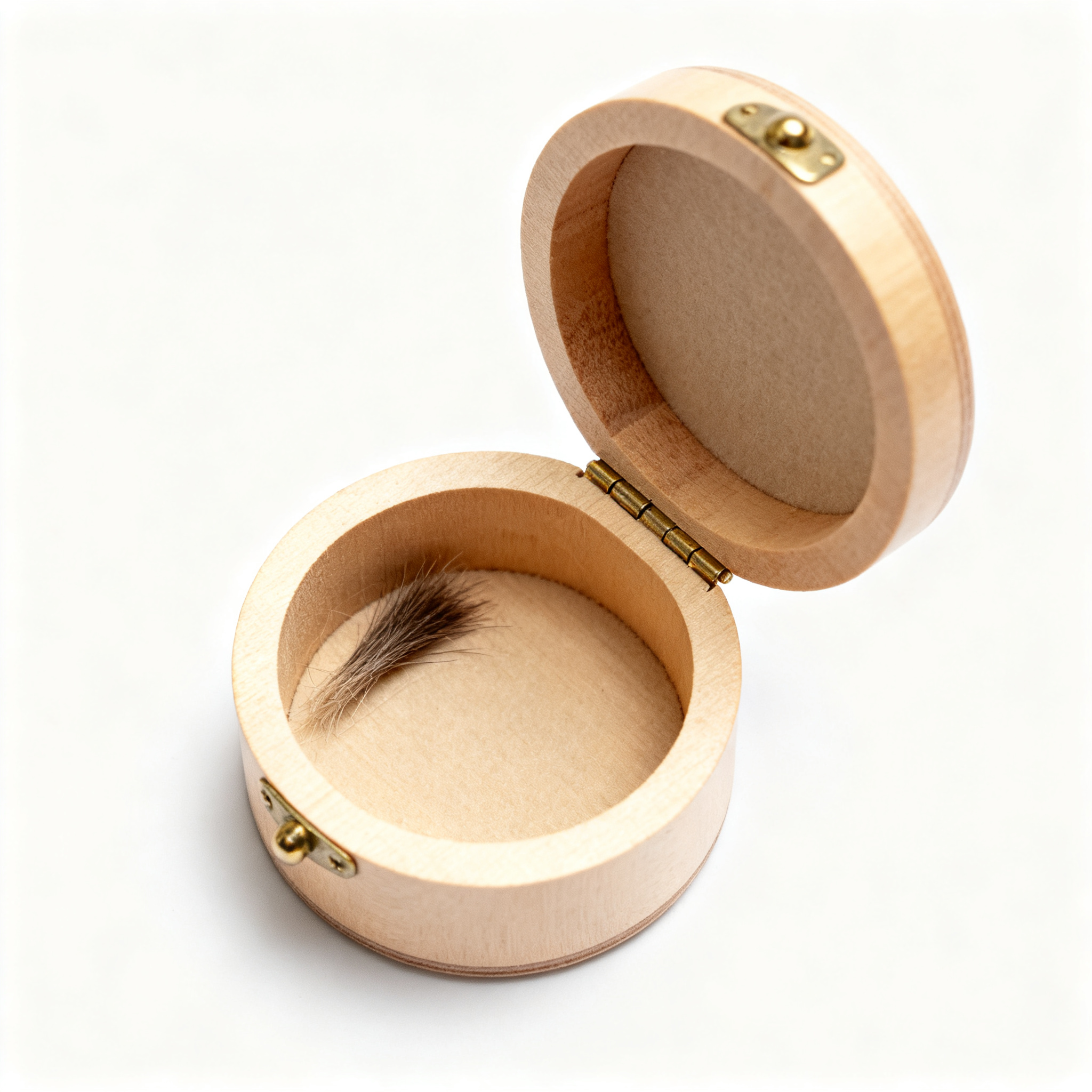
A complete set covers the front face, a 45-degree angle, the interior with the lid open, a scale reference, and one detail crop. The front shows the face the customer will display; the angle shows the depth and the wall thickness; the interior shows lining, bag and closure; the scale shot sets size expectations; the detail crop shows grain, joint and engraving quality. Where a photo frame or a divider is part of the product, add a shot with the panel fitted.
Lighting and Background
Soft, diffuse light from one side plus a fill on the other keeps the grain readable without blowing out the lighter sapwood. Direct flash flattens texture and exaggerates a sheen that the finished piece does not have. A neutral background — warm off-white or light grey — keeps attention on the wood; a busy scene competes with the grain and makes the tone look colder than it is. For unfinished pine, photograph at the same neutral setting each time so the listing shows the true pale tone rather than a warm cast.
Showing Scale and Capacity
Nothing reduces returns faster than a scale reference. Place a familiar object beside the urn, or include a simple dimension graphic on the second image, and state the interior capacity in cubic inches and litres. Buyers sizing by pet weight are planning against usable volume, so a listing that quotes outer dimensions only invites a wrong purchase.
Alt Text and Title Structure
Alt text should describe the product for someone who cannot see it, in the words a buyer would search: material, shape, finish, size and intended use. Repeating the same phrase across a catalogue adds no value; each image should carry a specific description. Titles work best as material plus shape plus size plus finish plus the word urn or memorial box, without keyword stacking that makes the listing unreadable.
Common Listing Mistakes
Frequent problems include photographing a sample rather than production stock, showing one angle only, cropping the interior out entirely, and using the factory's catalogue copy unchanged — which reads as manufacturer language and does not match the reseller's brand voice. Another is promising a grain pattern that the next production batch will not have; describing the species and finish instead keeps the listing accurate across batches.
See the finish overview for how to describe surface treatments consistently; the shapes guide helps plan which silhouettes appear in the photo set.